DeskSpacing - Continued
  • Home
  • Setup Creator
  • Contact
  • Follow us on Twitter for updates!

Custom Desk


Length:  

Width:  


Modern Desk
23.8" L x 51.7" W x 30.3" H
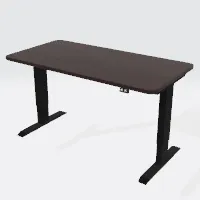
 

Standing Desk
28.4" L x 55" W x 29.7" H
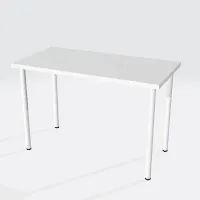
 

Linnmon Desk
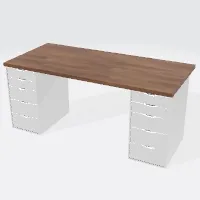


Alex Desk
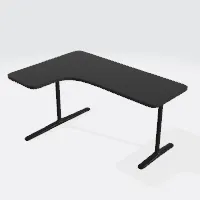


Bekant L Shaped Desk

43.2" L x 63" W x 30.1" H
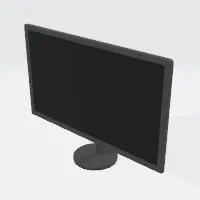


16:9 Monitor
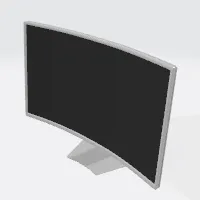
 

16:9 Curved Monitor
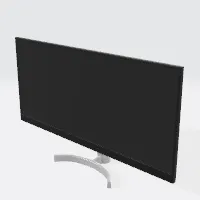
 

21:9 Monitor
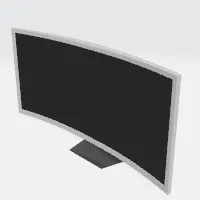
 

21:9 Curved Monitor
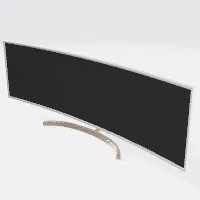
 

32:9 Curved Monitor
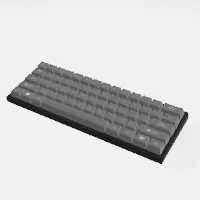
 

60% Keyboard
4.3" L x 12" W x 1.4" H
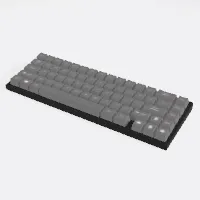
 

75% Keyboard
4.3" L x 12.5" W x 1.4" H
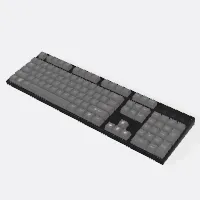
 

Full Size Keyboard
5.5" L x 18" W x 1.5" H
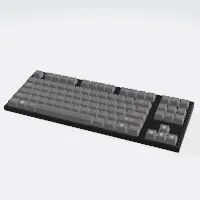
 

TKL Keyboard
5.6" L x 14.8" W x 1.5" H
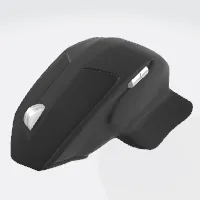
 

MX Master Mouse
4.9" L x 43.5" W x 2" H


Logitech G602
4.9" L x 43.5" W x 2" H
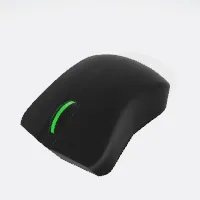
 

DeathAdder Mouse
4.1" L x 2.2" W x 1.6" H
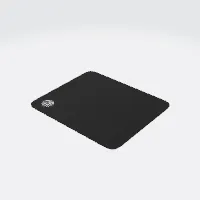
 

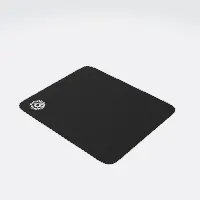
QCK Small
8.4" L x 9.8" W
 

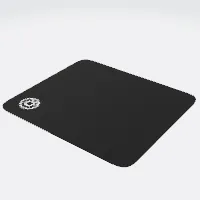
QCK Medium
10.6" L x 12.6" W
 

QCK Large
15.7" L x 17.7" W
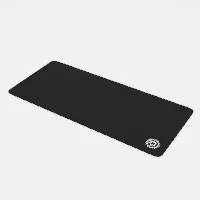
 

QCK XXL
35.4" L x 15.7" W
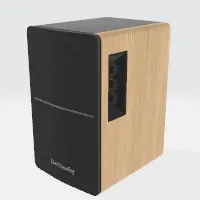
 

Wood Grain Monitor Speakers
7.4" L x 5.8" W x 9.5" H
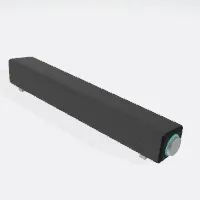
 

SoundBar
2.5" L x 16" W x 2.8" H
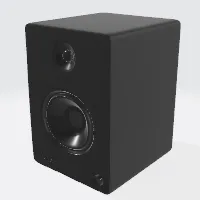
 

Studio Monitor Speakers
8.3" L x 7.3" W x 10.3" H
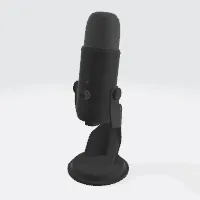
 

USB Microphone
4.8" L x 4.6" W x 11.6" H
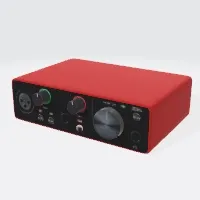
 

Audio Interface
4.2" L x 5.7" W x 1.7" H
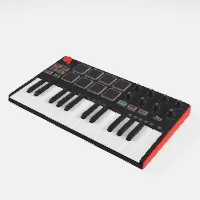
 

MIDI Keyboard
7.1" L x 12.5" W x 1.5" H
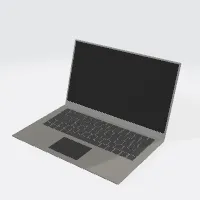
 

13" Laptop
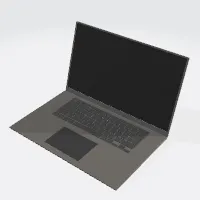
 

15" Laptop
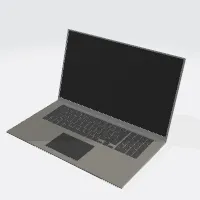
 

17" Laptop


ASUS ROG STRICT


ASUS TUF DASH F15 LAPTOP
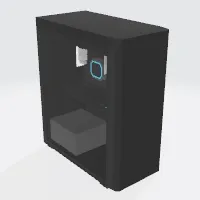
 

Desktop Computer
8.3" L x 16.5" W x 19.5" H
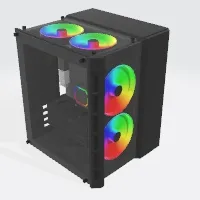
 

Modern Mini ITX Computer Build
16.7" L x 13.6" W x 14.3" H
 

Box

Length:  

Width:  

Height:  
 

Sphere

Radius:  
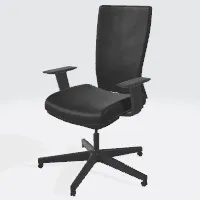
 

Modern Office Chair
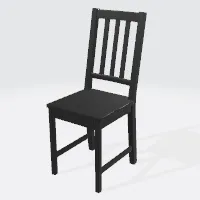
 

Simple Chair
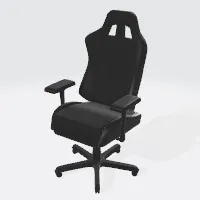
 

Gaming Chair
 

Book
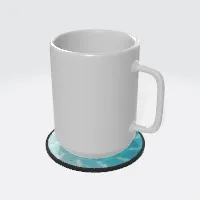
 

Coffee Cup
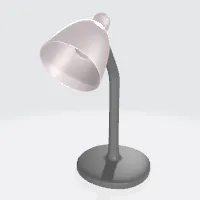
 

Basic Lamp
8" L x 5" W x 9.7" H
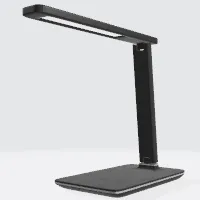
 

Modern Lamp
10.2" L x 4" W x 8.3" H


Share / Save Your Setup

Your Custom Setup Link

Use this link to come back to your setup, or share with a friend!

This link is custom to your exact setup, after making changes make sure to get a new link!

Controls / Keybinds

Camera controls

Left Mouse Button - Drag to rotate camera

Shift + Left Mouse Button - Pan camera

Scroll Wheel - Control camera zoom

Object controls

R - Toggle rotate/translate

X / Y / Z - Toggle respective axis

Delete / Backspace / D - Delete selected object

- / + - Change controls size

C - Hide controls

DeskSpacing

Welcome to DeskSpacing Setup Creator!

New user?

Click here for a tutorial on the basics of DeskSpacing controls.

Update 1.03

Added Features:

  • We created a Twitter! Follow us @BattleforgePC for updates and future content!
  • Added a custom desk feature with texturing! Currently, the desks don’t have legs, but we hope this helps users with specific desk sizes!
  • New chair options! A modern office chair and a simple chair. A DXRacer-like chair will be in the next update!
  • Added flooring; we wanted to keep it minimal but useful! (Custom flooring will be implemented in a future update!)
Settings

Units

Beginner Tutorial
Camera controls
Camera controls

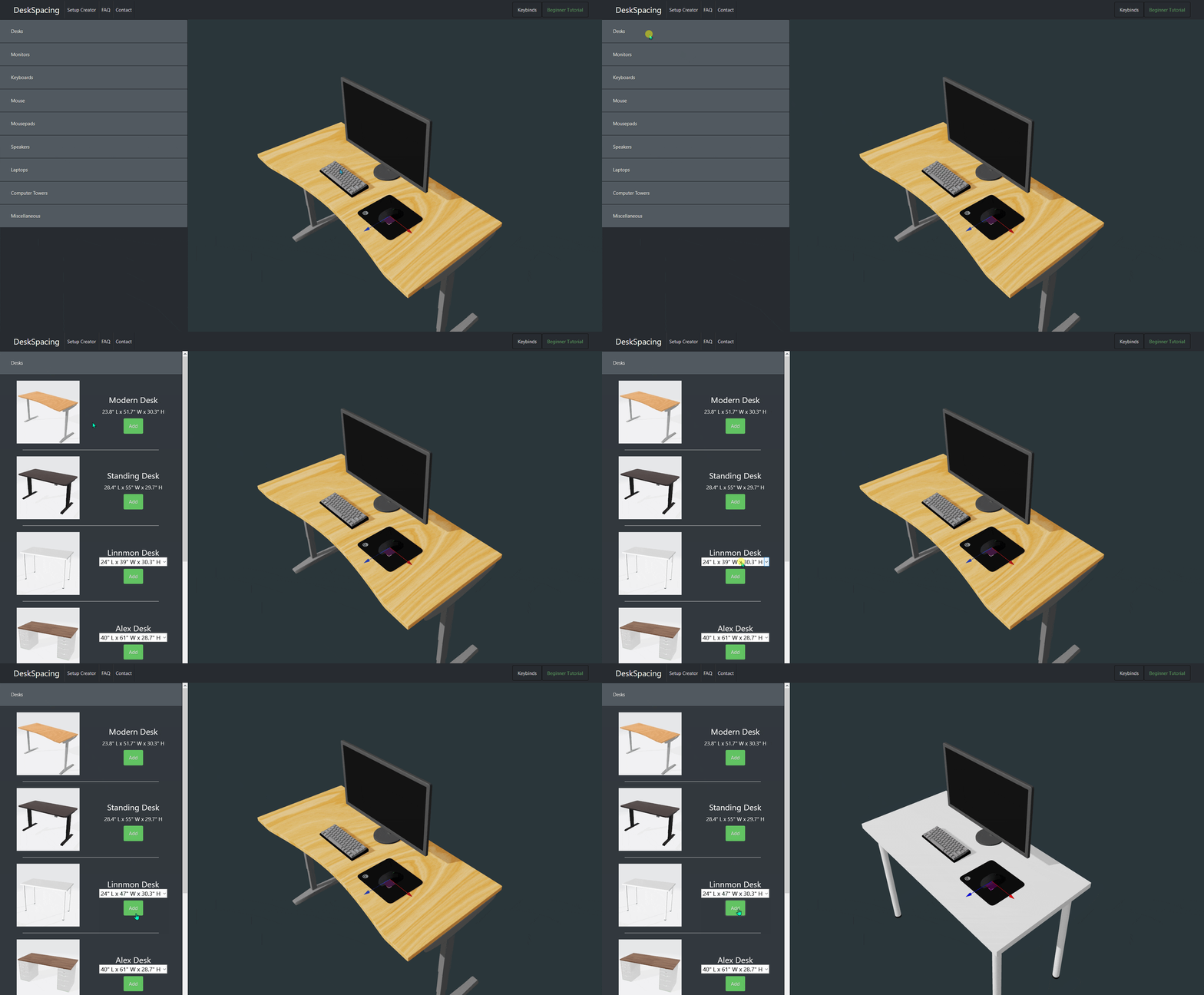
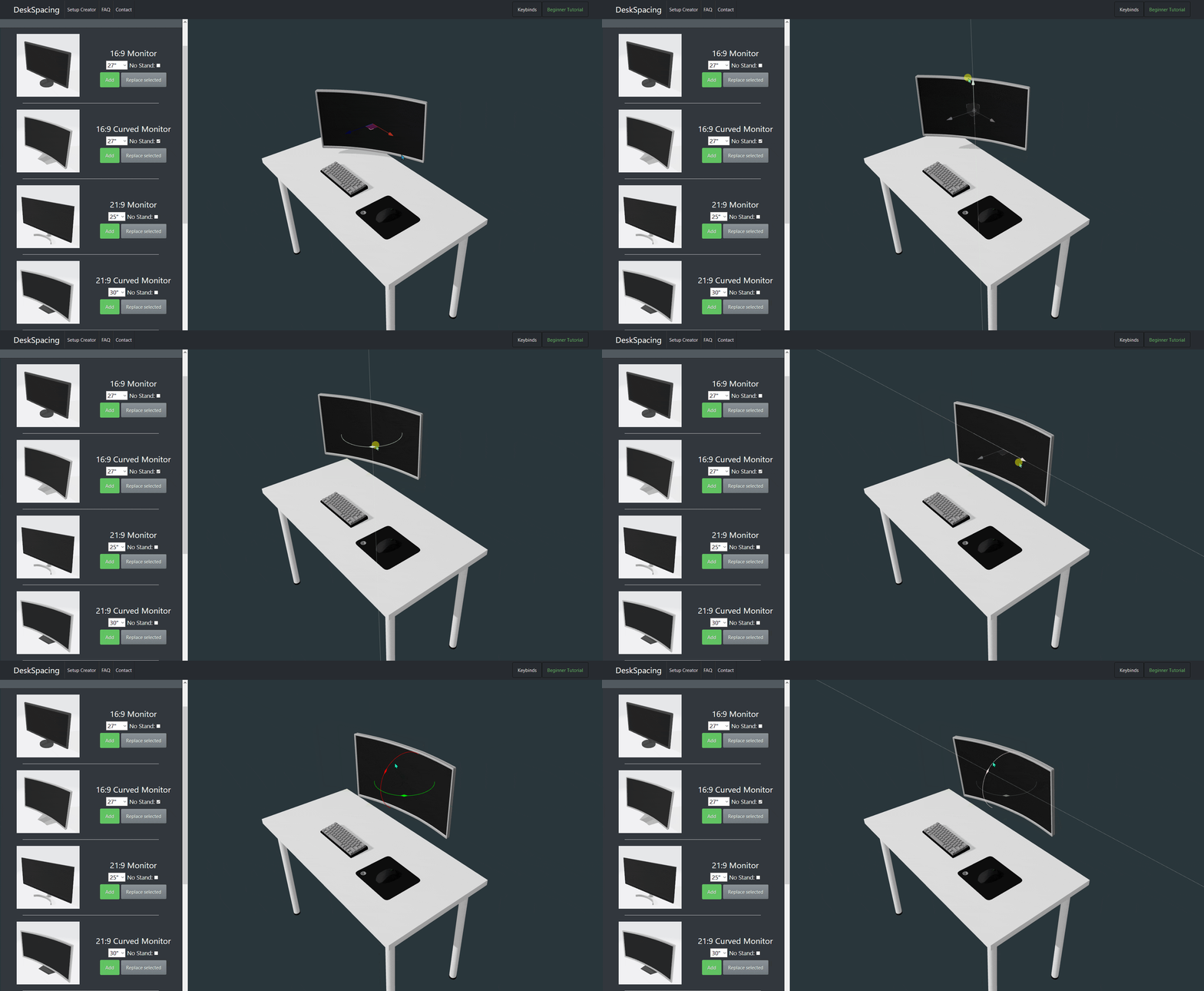
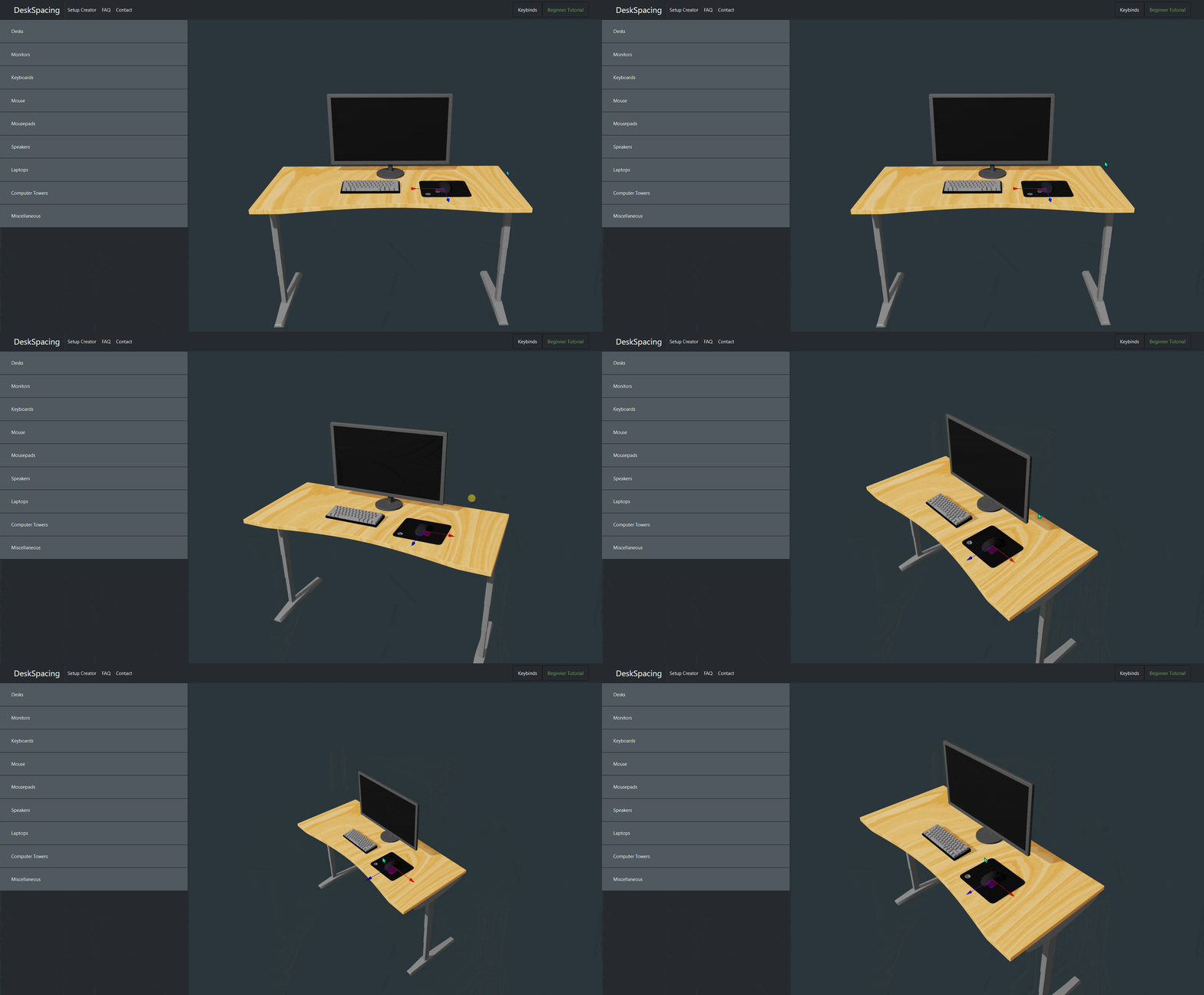
Rotate the scene with the left mouse button and zoom with the scroll wheel.

Choosing your desk
Choosing your desk

Use the drop-down menu to choose different size variants.

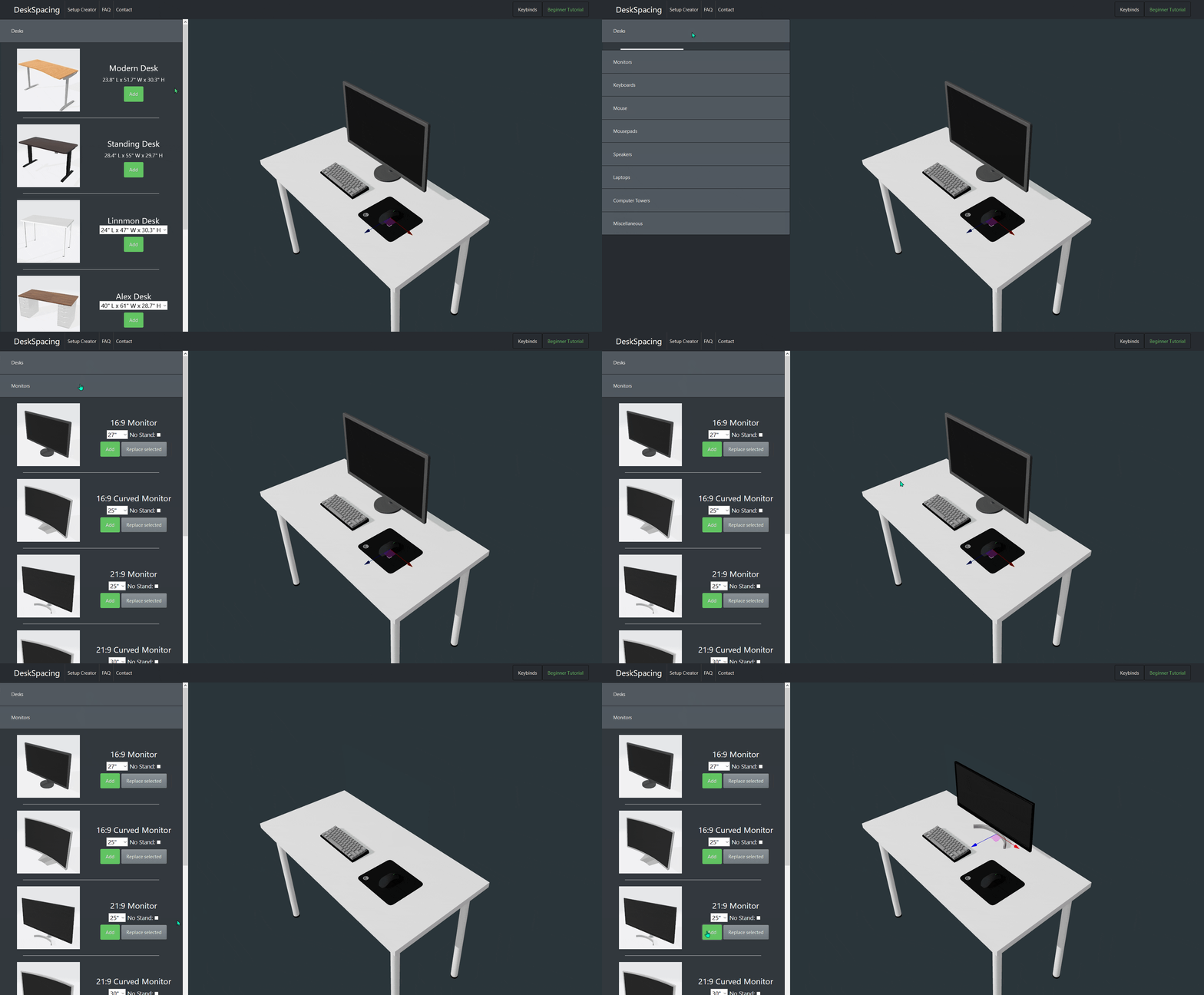
Adding objects
Adding objects

Click Add to add objects and press BACKSPACE to delete them.

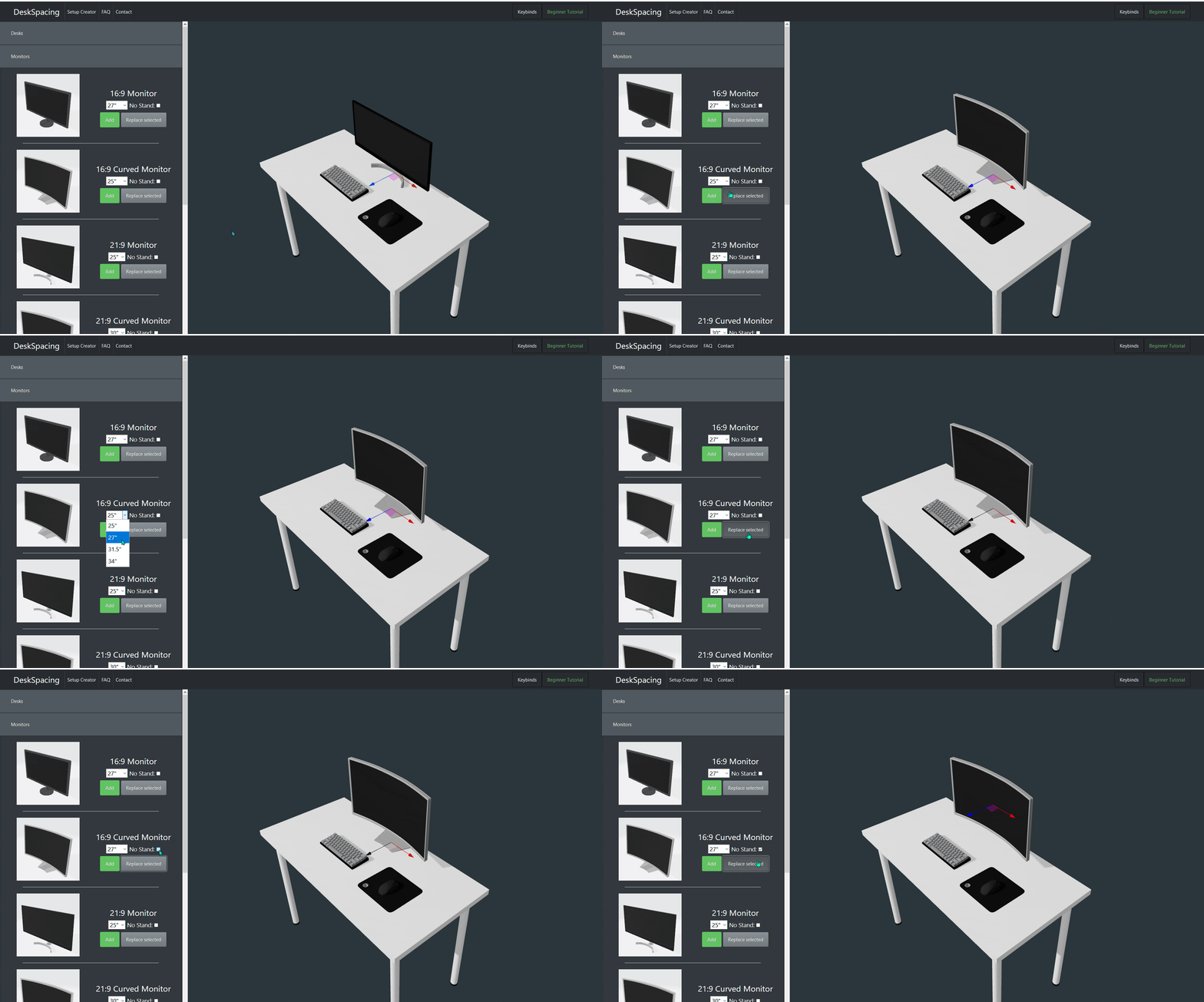
Replacing objects
Replacing objects

Use the replace button to quickly try out different objects of the same type in your setup.

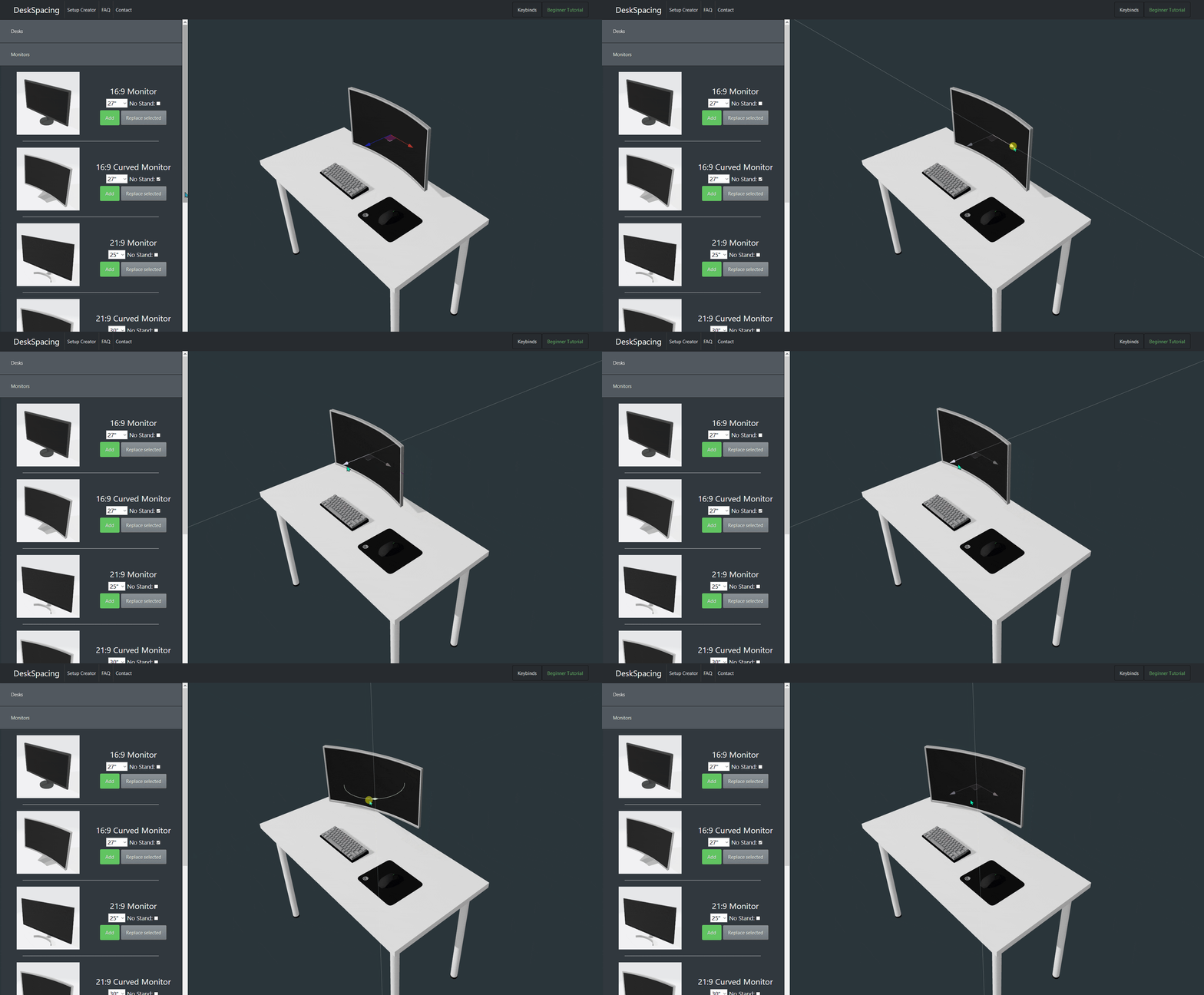
Moving objects
Moving objects

Move selected objects by clicking on them and dragging. Press R to toggle between rotation and translation controls.

Control keys
Control keys

Use the X/Y/Z keys to toggle the respective axes on the controls. Use the +/- keys to change the control scale.

Screenshot and share!

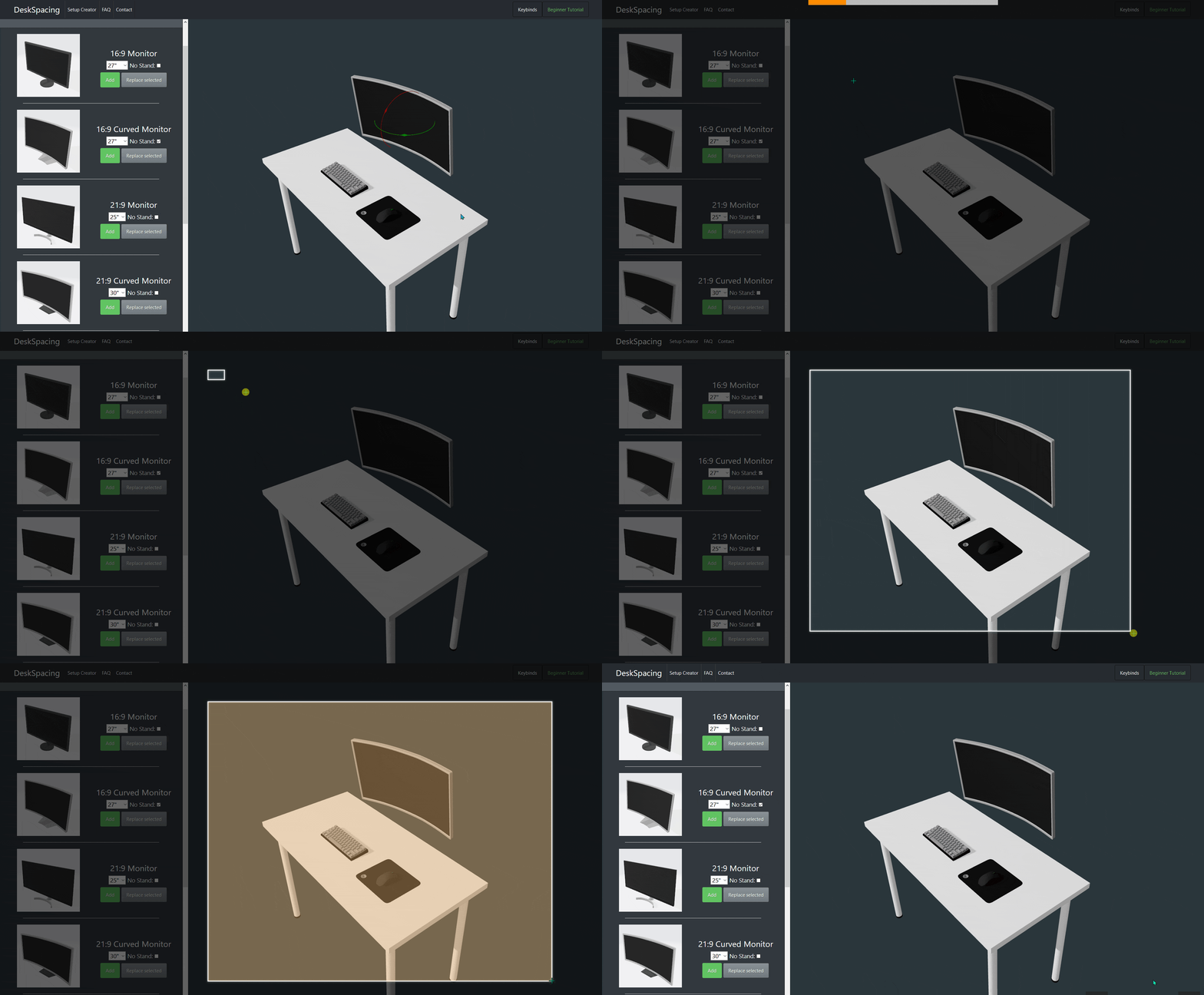
Press C to hide the controls. Use Ctrl + Shift + S on Windows or Shift + Command + 4 on Mac to take a screenshot.

Previous Next